Table of Contents
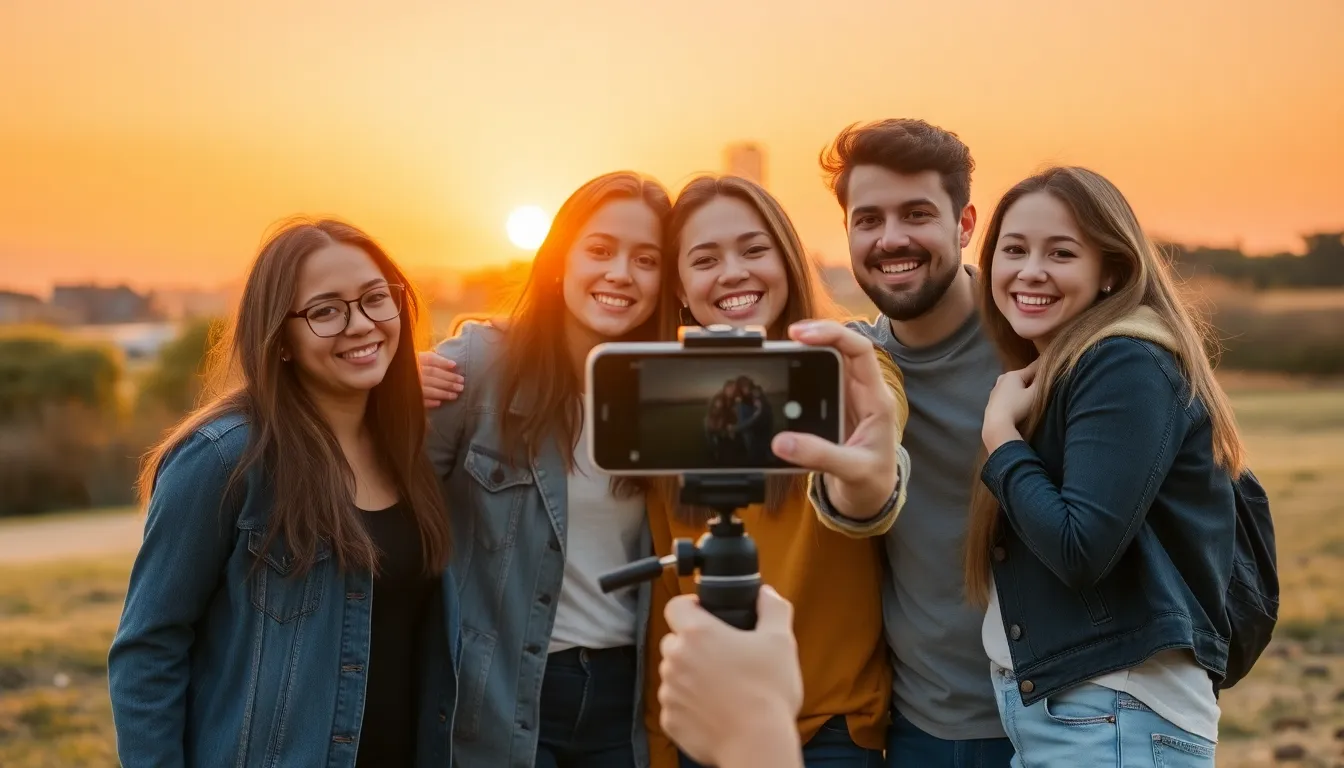
ToggleWant to capture that perfect group shot without the awkward scramble to the camera? The iPhone’s timer feature is here to save the day and your dignity! Imagine a world where everyone’s in the frame, no one’s left out, and you don’t have to rely on a stranger to snap your pic. It’s like having a personal photographer, except they don’t judge your poses.
Understanding Timer Photos
Timer photos provide a strategic way to capture moments with ease. They allow the photographer to join the shot without stress.
What Is a Timer Photo?
A timer photo is a feature on the iPhone that delays the shutter release. Typically, users can set a delay of 3 or 10 seconds. This gives individuals the chance to position themselves in the frame. The camera captures images automatically after the set time. Activating this feature simplifies group shots and eliminates the need for assistance.
Benefits of Using Timer Photos
Using timer photos offers multiple advantages. First, everyone can be included without anyone feeling left out. Second, it enables individuals to set up their desired poses before the photo is taken. Third, timer photos enhance creativity, as users can experiment with angles and compositions. Furthermore, this feature allows for candid moments without the pressure of rushing. An iPhone can create a more relaxed atmosphere during photo sessions.
Step-by-Step Guide to Taking Timer Photos
The iPhone’s timer feature simplifies group photography. Capturing those perfect moments becomes easier for everyone involved.
Accessing the Camera App
First, locate the Camera app on the iPhone’s home screen. Open the app by tapping its icon. The camera interface appears immediately. Users can switch from photo mode to other modes if desired. Finding the appropriate mode ensures optimal photo quality.
Setting the Timer
Next, tap the timer icon, usually represented by a clock symbol. Options for 3 seconds and 10 seconds display on the screen. Choosing either duration aligns with personal preference and the urgency of the shot. After selecting the desired timer setting, the option saves automatically. Notification sounds, like a countdown beep, signal when it’s time to pose.
Framing Your Shot
Moving on, framing the shot is essential for a great photo. Adjust the angle and distance to include everyone in the frame. Utilizing gridlines helps maintain balance and symmetry. Users can ask friends to create poses during this time. Ensuring no one is cut off requires careful consideration of placement.
Capturing the Photo
Finally, tapping the shutter button begins the countdown. The camera captures the photo once the timer ends, creating a stress-free experience. Individuals can switch places after pressing the button, joining the group effortlessly. Reviewing the images afterward shows the success of the timer feature.
Tips for Taking Better Timer Photos
Enhancing your timer photo experience can significantly improve the quality of your shots. Consider these practical tips for better results.
Positioning Your iPhone
Choose a stable surface for your iPhone to avoid blurry pictures. Opt for a tripod for increased stability. Ensure the iPhone captures the full scene by adjusting the height and angle. Address challenging lighting conditions by positioning the iPhone where natural light is most favorable. Include a clear background that complements the composition.
Experimenting with Angles
Vary the angles for diverse and interesting shots. Capture photos from lower angles to include more of the subjects and the environment. Try different heights to see which composition feels best. Be adventurous and explore unique perspectives, like side or overhead views. Each angle brings a fresh look to the final photo, inviting creativity and excitement.
Using Remote Shutters
Remote shutters can enhance convenience during photo sessions. These devices allow for immediate triggering without running back to the iPhone. Find compatible remote shutter options that connect via Bluetooth for seamless use. Not only does this eliminate the waiting time, but it also results in a more relaxed atmosphere. Consider using headphones with volume control as a makeshift remote shutter for added versatility.
Troubleshooting Common Issues
Users may encounter various issues while using the timer feature on their iPhones for photography. Addressing these common problems can enhance the overall experience.
Timer Not Working
The timer might not function if the app does not have the correct permissions. Checking the Camera app settings often resolves this issue. Additionally, turning off and then restarting the iPhone can help reset the software. Users should confirm they’ve selected either the 3 or 10-second countdown to ensure the timer is active. If problems persist, updating the iOS to the latest version may also eliminate bugs affecting the timer function.
Poor Image Quality
Blurry images can result from shaky hands or unstable surfaces. Placing the iPhone on a tripod or stable surface ensures clear shots. When lighting conditions are inadequate, images may appear grainy, affecting overall quality. Users should consider turning on additional lighting or adjusting their position to reduce shadows. Finally, selecting a higher resolution in the Camera settings can increase photo clarity.
Adjusting Light Conditions
Optimal lighting is essential for great photos. Taking pictures during the golden hour often produces stunning results. When indoors, users should check for bright windows and position themselves accordingly. Avoiding direct sunlight prevents harsh shadows and overexposure. If natural light is insufficient, using flash or portable LED lights can improve visibility and enhance the overall appearance of the photo.
Mastering the timer photo feature on the iPhone transforms the way users capture memories. It eliminates the stress of rushing and ensures everyone can join in the fun without missing out. With a few simple steps and some creativity, users can create stunning group shots that reflect their unique style.
By utilizing a stable setup and experimenting with angles, users can enhance their photos significantly. The added convenience of remote shutters or even headphones makes the process even smoother. With these tips in mind, anyone can enjoy a fun and relaxed photography experience, capturing moments that will last a lifetime.